Copilots
Copilots are your AI staff: the success managers who work inside your product. Each one owns a journey stage, watches its users, and steps in when someone struggles.
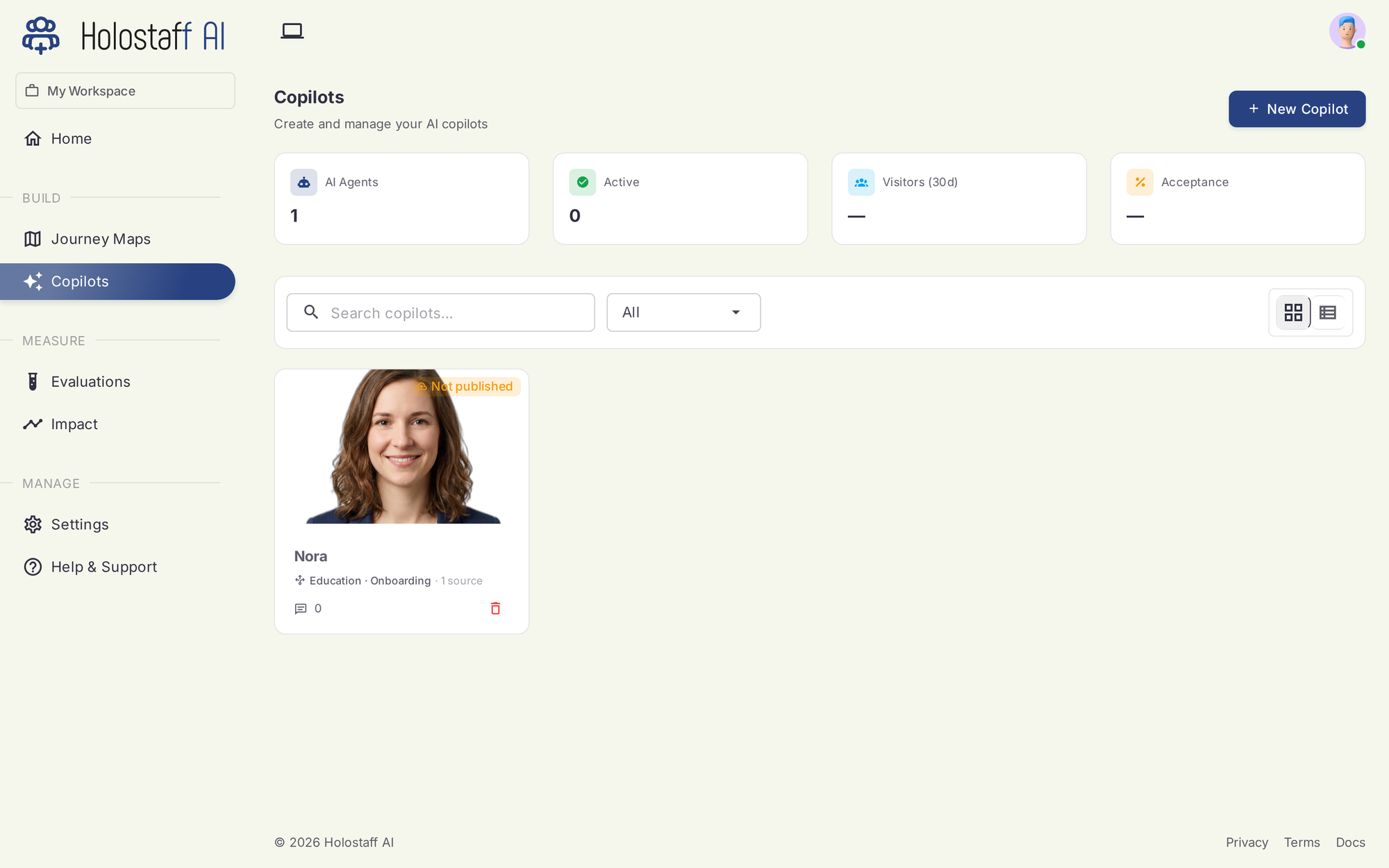
What a copilot is
A copilot is defined by three things:
- An identity. A name, a tone, a one-line persona. This shapes how it talks.
- A presence. A face and a voice. In the live product, the copilot appears as a small presence chip that can expand into a talking, listening success manager on screen.
- A job. One or more journey stages on one or more products. The stage defines which users it watches and which risk moments it may act on.
What a copilot does
When a user in its stage shows signs of struggle (stalling, looping, abandoning a form) the copilot can:
- Nudge — a small, dismissible note at the right moment
- Talk — voice conversation, seeing what the user sees
- Guide — point at the right element, walk the user through the step
- Act — with the user watching, take the stuck step together in a supervised session
Every intervention is logged and visible in Impact.
The roster
The Copilots page shows every staff member with status counters: AI agents, active, visitors reached, and acceptance. From here you create new copilots, open one to configure it, or pause it.
A copilot's lifecycle: Designed (name, face, voice) → Assigned (owns a stage) → Published (wired into your app via the CLI) → live.