Journey Maps
A Journey Map is what a scan produces: your product's customer journey, drawn from your code, live on a canvas.
It is not a diagram you maintain by hand. The CLI reads your repository and reconstructs what your product actually offers: the routes, the workflows, the copy users see, and the places where a user can stall. When your code changes, you re-scan and the map updates.
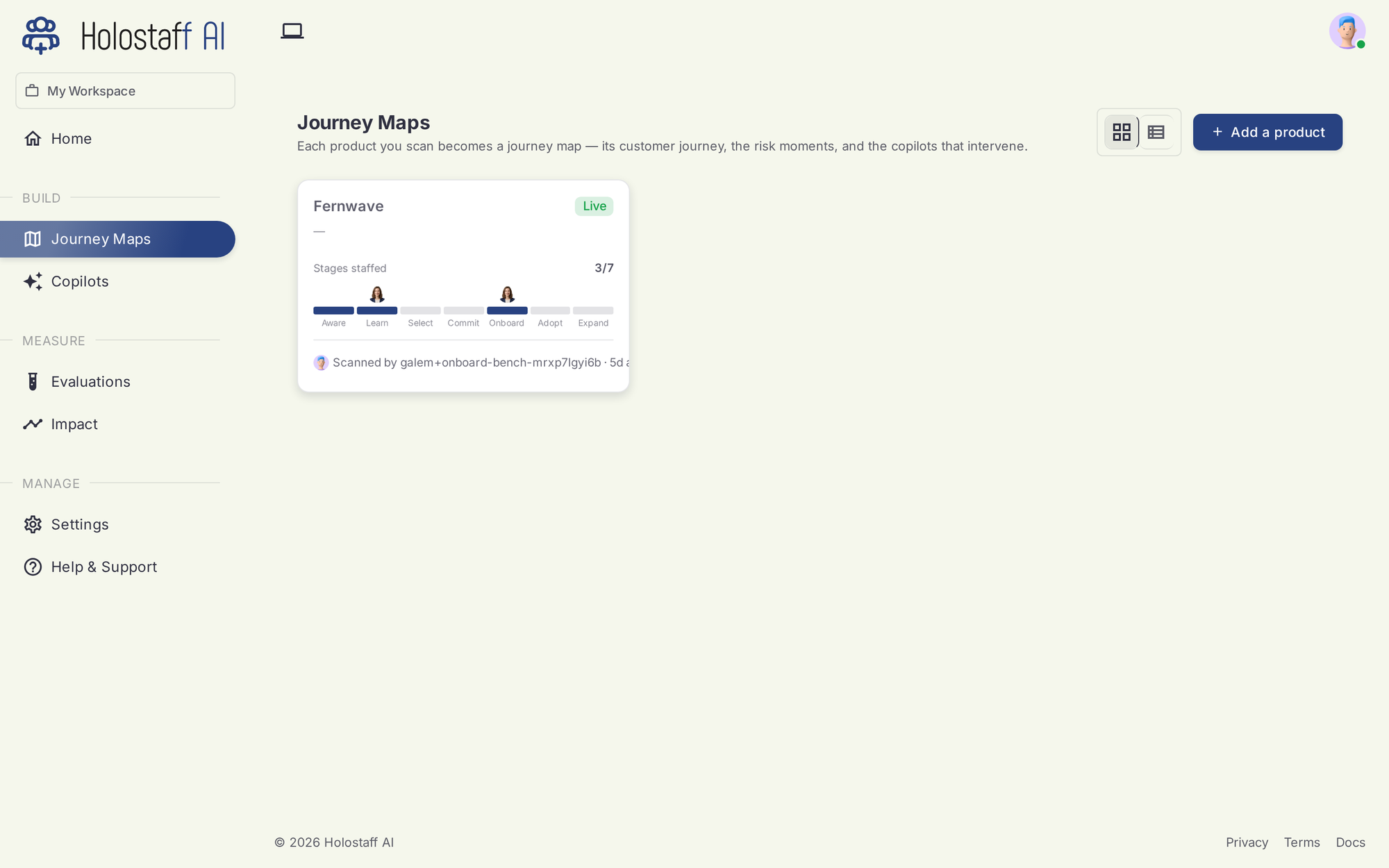
The seven stages
Every map organizes your product's workflows along the customer journey:
- Awareness — the user learns you exist
- Education — they figure out what you do
- Selection — they compare and decide
- Mutual Commit — sign-up, sign-in, the moment both sides opt in
- Onboarding — from account to first value
- Adoption — the habit forms
- Expansion — the account grows
The scan assigns each discovered workflow (for example "Free Trial Sign-Up" or "Inbox Connection Onboarding") to its stage. Stages with no workflows yet are visible too; they are your coverage gaps.
What the scan finds
For each product the artifact holds:
- Routes and components — the surfaces users move through
- Workflows — multi-step user flows, each with its stage and steps
- Risk moments — where users stall, loop, or drop off
- Proposed interventions — what a copilot could do at each risk moment
- Copy strings — the literal text users see, with locations
- Brand voice — tone and keywords, so copilots sound like you
One product, several repos
A product that spans multiple repositories can merge scans into one source: run /scan --add-repo from the second repo and pick the existing source. The map stays whole.